Phone calls
ExampleBooked1:18 p.m.
New call for Brightline Realty Group
Showing request for Saturday.
Booked: Thursday, 9 to 11 a.m. (example time). The confirmation is in the summary.
Your AI receptionist for sign calls and showing requests
Real Estate Answering CoOur real estate answering service answers your sign calls and showing requests, with website chat available as an add-on. Try the browser demo as a buyer at a yard sign and ask to book a showing.
Out showing homes? Your AI receptionist answers sign calls and books showings while you're with clients.
A 14-day free trial on request, up to 100 minutes.PrivacySecurity


Your receptionist answers forwarded calls while you are touring homes, meeting sellers or away for lunch. A caller can leave useful details instead of waiting for you to finish another conversation.
Collect the next caller's property address and reason for calling while you tour.
Give evening callers a way to explain what they need from your team.
Forward unanswered or busy calls without changing how you handle your main line.
A missed sign call can mean a buyer moves on before you know which property caught their eye. A seller calling between appointments may need a callback, not a long conversation right away. Your receptionist takes those details when your forwarded number rings.
Choose coverage around the way you work: all calls, busy calls, unanswered calls or after hours. The AI answers as your business and introduces itself as a virtual assistant, with a recording notice. It gathers the message so you can decide what happens next.
Optional website chat gives late visitors another way to ask questions using your business knowledge and rules. Explore chat for your real estate website if your leads arrive through both channels.
Your receptionist asks why the caller is reaching out, collects the details your team needs and applies your urgency rules. You receive a summary with an urgency tag, transcript and recording.
Ask whether someone wants to buy, sell or discuss an appointment.
Take the address or listing reference so your callback starts with context.
Offer a warm transfer or page using the contact order you set.
A buyer asking about a sign and a homeowner considering a sale need different callbacks. Set your intake questions during onboarding so your receptionist asks for the relevant property, contact details and reason for the inquiry. It records what the caller says for your review.
For situations you mark urgent, your chosen person can hear a short summary before pressing 1 to accept a warm transfer. A page is another option. Email and app push notifications carry the call details, and a daily digest helps you review activity.
The receptionist leaves valuations, pricing strategy, negotiation and compensation discussions to you. It can collect a showing request or book an appointment in Google Calendar under your instructions.
The browser demo below lets you play the caller at a fictional real estate business. Listen for useful follow-up questions, clear disclosure and the point where the receptionist leaves a decision to the agent.
Ask about a property and listen for the address and callback details.
Hear how a valuation question becomes a message for the agent.
Ask for a time and check how the receptionist handles appointment details.
Start with a call you recognize from your own day. Say you saw a yard sign, ask what a house is worth or request a Saturday showing. Listen to whether the receptionist asks the questions you would want answered before returning that call.
The demo uses a fictional business, so you can test it without sharing real client details. Try an unexpected question and hear how the AI handles information it does not have. Afterward, inspect the result from the owner's side, including the summary and transcript.
Other scenarios cover late website chat, a renter reaching the wrong line and an inherited house inquiry. Open the full receptionist demo to compare the different conversations, then request a free trial.
Practice business (made up): Brightline Realty Group
Choose a call and press Talk to it.
New call for Brightline Realty Group
Buyer calls on a yard sign.
Took a message for the agent and saved the caller number.
Part of the transcript (example)
Full transcript and recording are in the dashboard.
Example owner message after a call like this one.
New call for Brightline Realty Group
Buyer calls on a yard sign.
Took a message for the agent and saved the caller number.
Part of the transcript (example)
Full transcript and recording are in the dashboard.
New call for Brightline Realty Group
Seller wants to know what the house is worth.
No advice or opinion given. Sent to the right person to review and a callback was requested.
Part of the transcript (example)
Full transcript and recording are in the dashboard.
New call for Brightline Realty Group
Showing request for Saturday.
Booked: Thursday, 9 to 11 a.m. (example time). The confirmation is in the summary.
Part of the transcript (example)
Full transcript and recording are in the dashboard.
New call for Brightline Realty Group
Website chat at 11 p.m.
Took a message for the agent and saved the caller number.
Part of the transcript (example)
Full transcript and recording are in the dashboard.
New call for Brightline Realty Group
Renter calls the wrong line.
Took a message for the agent and saved the caller number.
Part of the transcript (example)
Full transcript and recording are in the dashboard.
New call for Brightline Realty Group
Investor seller call: inherited house.
Took a message for the agent and saved the caller number.
Part of the transcript (example)
Full transcript and recording are in the dashboard.
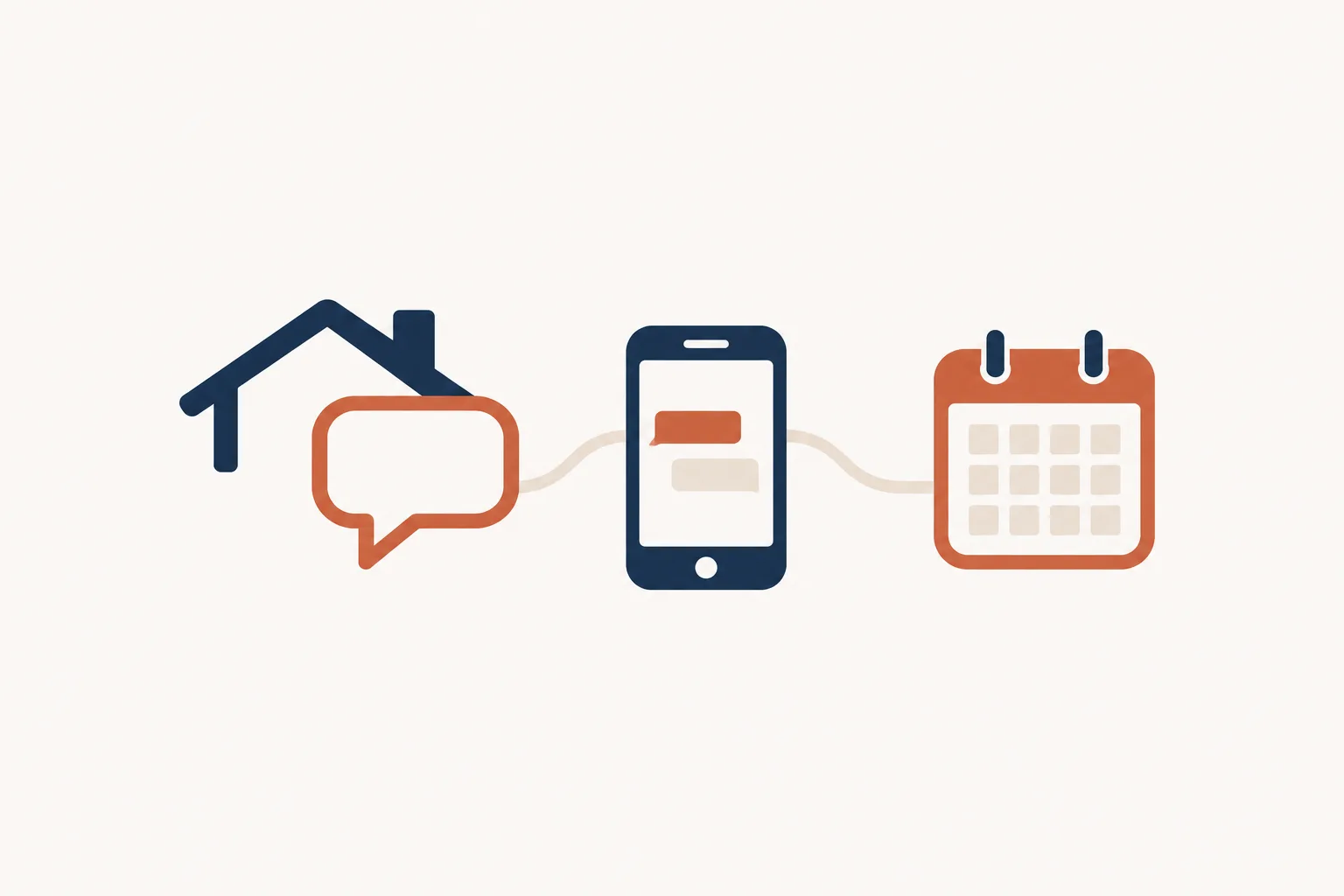
Keep your business number and forward the calls you want us to answer. Your receptionist uses your business information, handles intake and sends email and app push alerts with the result.
Forward all calls or select busy, unanswered or after-hours calls for coverage.
Give the AI your services, hours, intake questions and urgency instructions.
Check messages, bookings, transcripts and recordings in your dashboard after calls.
We provide a local number in your area code and a forwarding guide for your carrier or phone system. You decide when your existing number forwards to it. Complete a test call before sending real callers through.
Your receptionist learns from your website and onboarding answers, then answers as your business using those instructions. It can take a complete message, book an appointment in Google Calendar or follow your urgent contact order. Callers can speak English or Spanish and switch languages during the conversation.
You get an email and app push notification for each call, plus a daily digest email. Use the dashboard to review conversations and change settings by telling the AI what you want. See the call setup steps for the process.
Choose AI for instructed intake and appointment handling, a live service when speaking with a person matters, or voicemail for a recorded message. Start with the conversations your real estate business receives.
Test its intake questions, booking behavior and handling of questions outside your instructions.
Ask how a person would handle a worried seller or unusual request.
Consider whether a recorded message gives you enough information to return the call.
An answering service for real estate agents should fit the decisions you want made before you call back. Our AI collects information under your instructions and can handle appointment booking. Use the demo to judge its questions and handoff behavior for yourself.
A live answering service puts a person in the conversation. That human judgment may matter to you when a seller is upset or a caller needs reassurance. Ask the provider to explain how its staff would handle those calls for your team.
Voicemail gives callers a place to leave a recording. Decide whether that message is sufficient or whether you want someone to ask for a property address and preferred callback time. Your choice can vary between regular hours and evenings.
Compare what you pay for answering with the follow-up work each call leaves you. Our plan is $249 per month with 500 AI minutes included and $0.20 per extra minute.
Review included minutes and extra usage alongside the information each conversation collects.
Ask what its quoted fee covers for bookings, transfers and longer conversations.
Include the time you spend returning messages and asking for missing details.
Start with a familiar call: a buyer asks to see a property while you are already at a showing. Compare the cost of having that conversation answered with the work required to call back, identify the property and collect the remaining details yourself.
For a live service, request a quote for the tasks you need and ask how it charges for them. For voicemail, consider your phone arrangement and the time you spend returning messages. For a staff member, consider the paid hours you would schedule around your call coverage needs.
Our plan is $249 per month with 500 AI minutes included and $0.20 per extra minute. Review the plan and trial terms; request a free trial to examine actual usage with your own setup.
Plan
$249 per month
Case-study price: $199 per month, locked for 12 months, for 10 businesses that agree to a short case study about their results.
Try it freeAdd-on services
You can enter our call summaries into the software your team already uses. Direct software connections are not live, so plan for a manual step when moving lead details into your records.
Use your current lead system while reviewing the details from each call.
Add caller information to your records yourself after checking the conversation.
Choose Google Calendar booking or have the receptionist collect details for your callback.
Your real estate phone answering service can supply the conversation details you need for your next step. Open the summary, confirm the property and caller information, then enter the relevant details into your records. The transcript and recording are available when you need more context.
If your team uses Follow Up Boss, BoldTrail (kvCORE), Lofty, Sierra Interactive, CINC or ShowingTime, keep using it for your existing workflow. Moving information from our summaries into those tools is a manual task today. Direct connections are planned according to demand.
Appointment booking into Google Calendar is available at launch. You can also choose to collect a request for your own callback. Check our current software connection status when deciding how to organize the handoff.
Start with an onboarding chat and your website, then test your receptionist before forwarding real callers. You set your business details, intake questions, urgency rules and the person who should receive urgent calls.
Answer the onboarding questions about services, hours, service area and call handling.
Choose who receives urgent calls and the order for reaching them.
Check the greeting, intake, booking instructions and message before forwarding goes live.
Start your account through an email sign-in link and answer the AI's onboarding chat. The chat asks 10-15 questions, using your answers and website to learn your business. Explain what you handle, what you do not handle and which inquiries need your attention quickly.
Give clear instructions for appointment requests and urgent contacts. Then place a test call with a realistic buyer question or seller inquiry. Check the resulting summary and make any changes by telling the AI in plain words.
A card is required before call forwarding goes live. Request a free trial; we email your sign-in link when ready, and you can use the forwarding guide to choose your coverage. There is no sales call to schedule.
Ask any provider to show how it answers, collects lead details and hands off an urgent call. Check the result yourself, including the message you receive and how the caller learns who is answering.
Check how the service identifies itself and explains any call recording.
Ask about a home's value and listen for an appropriate agent handoff.
Confirm the property, caller details and requested next step are clear.
Bring a few real call types to your evaluation, using fictional names and addresses. Ask how each service handles a seller requesting a valuation, a buyer asking for a showing and someone calling the wrong business. Judge whether the questions produce information you can act on.
Ask who receives urgent calls and whether you can choose when calls forward. Check where you can review a transcript or recording. Request the cancellation process and ask where incoming calls go if your subscription ends.
Apply the same questions to us. Our browser demo lets you hear the receptionist; request a free trial to test your own instructions and forwarding setup. Review the call results before deciding whether the service suits your team.
Your receptionist can book appointments into Google Calendar using your instructions, or collect a showing request for your callback. Give it clear booking rules during onboarding. The agent handles buyer agreements and any decisions that need an agent's judgment before a tour.
Website chat is available as an add-on for your own site. It uses the same business knowledge and rules as your receptionist, giving visitors another way to ask questions. Try the fictional late-night chat scenario in the demo to see that conversation from the visitor's side.
A valuation question goes to you. Your receptionist can collect the property details, the caller's contact information and their reason for asking, then leave you a message. It does not give opinions on value, set a pricing strategy or negotiate for you.
Yes. At the start of each call, your receptionist says it is a virtual assistant and that the call is recorded. Those notices stay on. Hear the greeting in the browser demo, then test how the receptionist introduces your own business during setup.
Yes. Keep your current number and forward the calls you choose to the local number we provide. You can forward all calls or only busy, unanswered or after-hours calls. We supply a guide for your carrier or phone system and a test call before going live.
Each call produces an email and app push alert with a summary, urgency tag, transcript and recording. You also receive a daily digest email. For urgent calls, choose a warm transfer or page and set the order of the people we should contact.
No. The follow-up add-on does not call portal leads, including Zillow and Realtor.com inquiries. Their consent is the portal's, not the consent box naming your business on your own site form. The add-on calls only people who ticked that box. Answer portal leads yourself or invite them to your own site form. We do not offer list dialing or purchased-lead calling.
Your receptionist takes the question and caller details for your callback rather than supplying a missing answer. Review the summary and update its instructions in plain words when needed. Use a test call to check questions that fall outside the business information you provide.
Your receptionist speaks English and Spanish, and a caller can switch languages during a call. It also politely ends spam and robocalls. You can review the call record in your dashboard, alongside the other conversations your business number has forwarded to the receptionist.
You can use the browser demo without signing up, then request a free trial lasting 14 days, capped at 100 minutes. A card is required before forwarding goes live. The service is month to month, and you can cancel online in one click.
Call the demo as a buyer asking to see a listing, then review the lead summary. Request a free trial to give your receptionist your showing instructions.